ANY-maze Help > The ANY-maze reference > The I/O page > Working with the I/O page > Renaming an input/output device
Renaming an input/output device

 | To access the Rename I/O device window, select the relevant device on the I/O page and then click the  Rename this device button in the ribbon bar. Rename this device button in the ribbon bar. |
Introduction
Most of the I/O devices supported by ANY-maze have rather technical names, which make it hard to remember exactly what they're connected to. To overcome this you can rename a device, for example you might choose to alter the device called "AMi 1" to be "Step-down boxes", because that's the equipment it physically connects to.
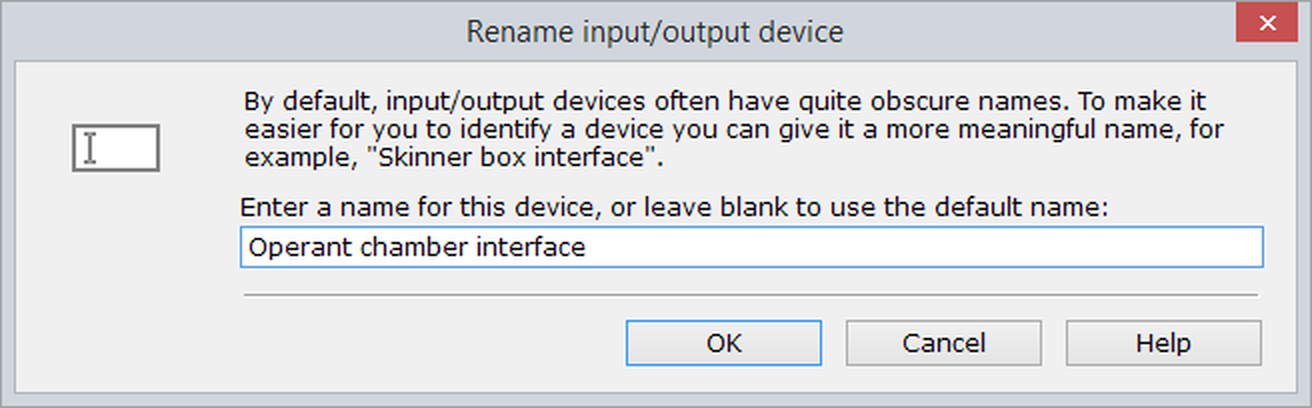
Figure 1. The Rename I/O device window.
Changing a device's name
To change the name of device you should simply delete the current name and type in the name you want to use. There's a limit of 63 characters, but otherwise you can enter whatever you like. Note, that this does mean you can give two devices the same name if you want to.
To restore the default name, simply delete the entry from the name field, so it's blank, and then click OK.
See also:
| • | Working with the I/O page |

© Copyright 2003-2026 Stoelting Co. All rights reserved
ANY-maze help topic T0925