ANY-maze Help > The ANY-maze reference > The Tests page > Recording and tracking with videos > Recording videos of tests > Adding a label to a video
Adding a label to a video

Overview
If you click the  button while recording a video the Add label window will open. This allows you to add a text label to the recording which will be used to mark the video at the time you clicked the button. During playback of the video you can then jump directly to any such labelled point by simply selecting the label from a menu.
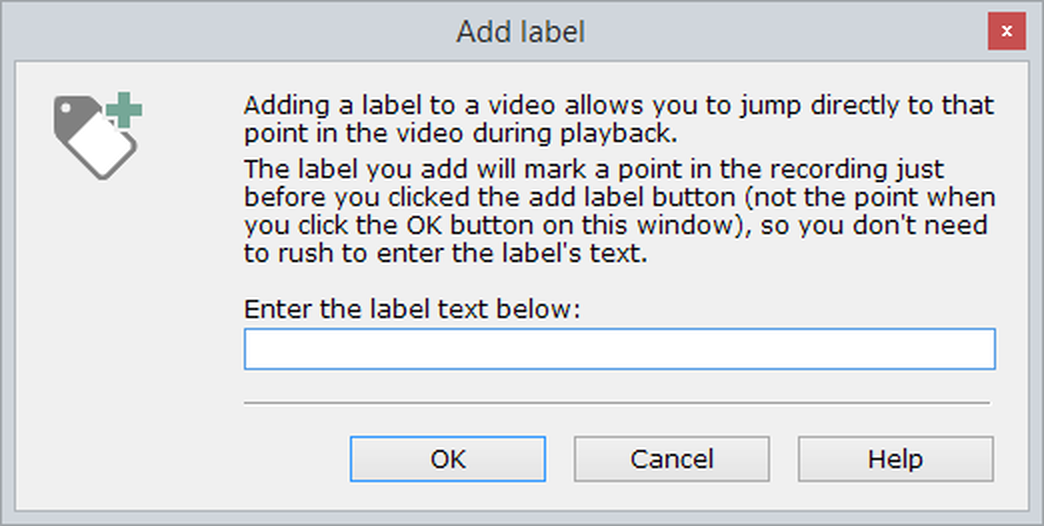
Figure 1. The add label window.
Details
You can enter anything you like as a label, up to a maximum of 79 characters.

© Copyright 2003-2026 Stoelting Co. All rights reserved
ANY-maze help topic T0831