ANY-maze Help > The ANY-maze reference > The Options page > Changing ANY-maze sounds > Choosing a sound file
Choosing a sound file

Introduction
You should use this window to choose a sound file you would like to associate with an event in ANY-maze.
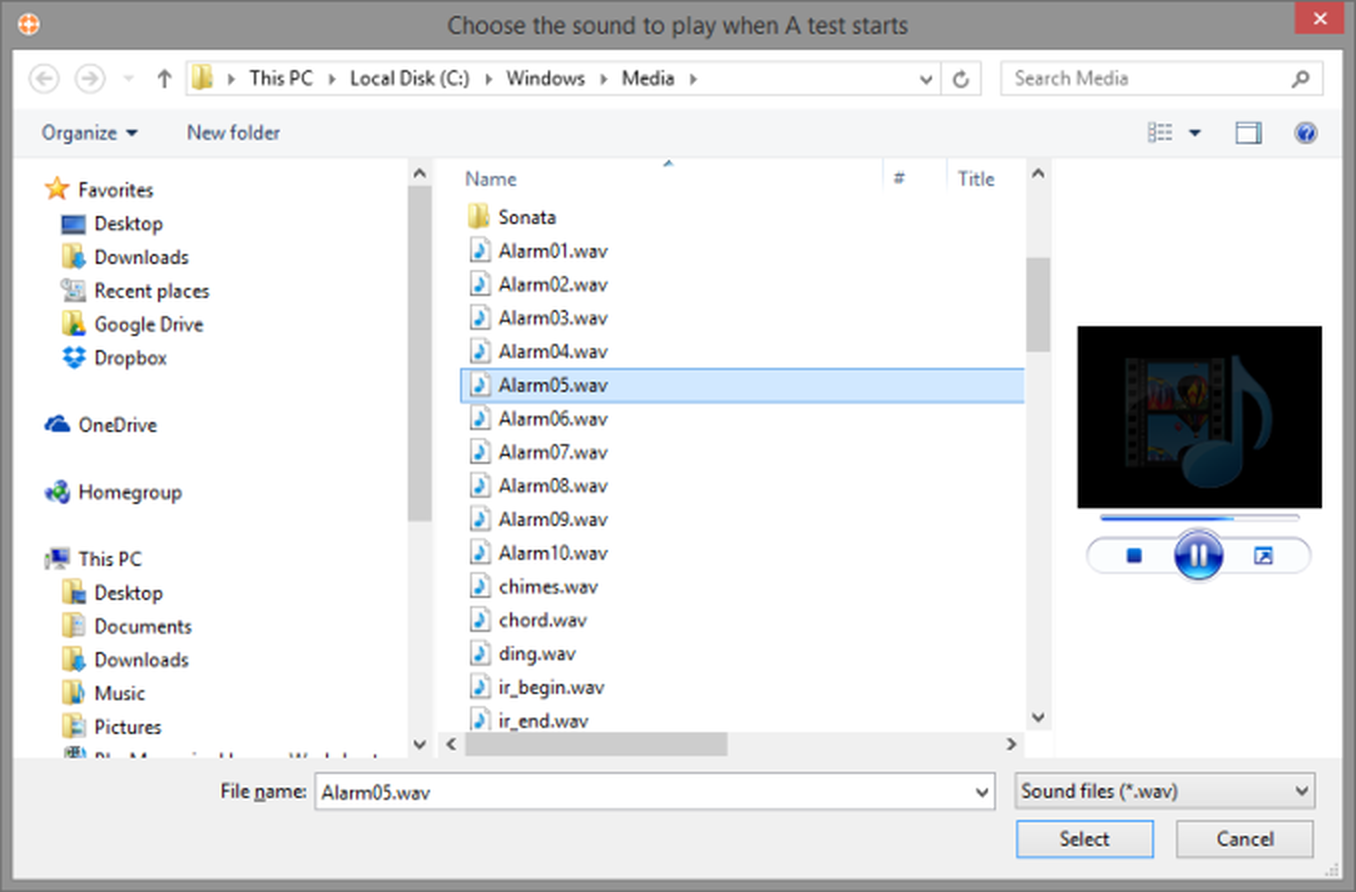
Figure 1. The 'Choose the sound to play' window.
Details
You will probably be familiar with this window already, as it's based on the standard 'open file' window used in almost all Windows software.
| Files list | The files list shows the folders and sound (.wav) files stored in the current location. You can double click a folder to open it, or you can click a sound file to transfer its name to the File name field. |
| File name | You can use this field to type in the name of the sound file you want to use, but it's generally much easier just to choose it from the files list. |
| Type of file | In fact, there is only one choice here, 'Sound files', so you can ignore this option. |
See also:
| • | Changing ANY-maze sounds |
| • | ANY-maze options |

© Copyright 2003-2026 Stoelting Co. All rights reserved
ANY-maze help topic T0942