ANY-maze Help > The ANY-maze reference > The Options page
The Options page

 | Unlike the pages on the left side of the ribbon bar, you can access the Options page without having to open an experiment first. |
Overview
The Options page in ANY-maze allows to you to alter many aspects of the software. Although some of the options, such as changing colours or fonts, appear to be purely cosmetic they can be extremely useful if, for example, the colour used to highlight zones doesn't show up too well on your apparatus or if the font is too small for you to read comfortably.
An important point about ANY-maze options is that they're saved on a per-user basis. This means that changes made by one user won't affect anyone else. For example, if you choose to alter the colours of your graphs and set a large font size, this won't inconvenience the other users.
Using the Options page
The Options page is divided into a number of different settings, each of which contains options related to a certain aspect of the program. To switch between the pages just click the item in the list on the left-hand side of the page - see figure 1.
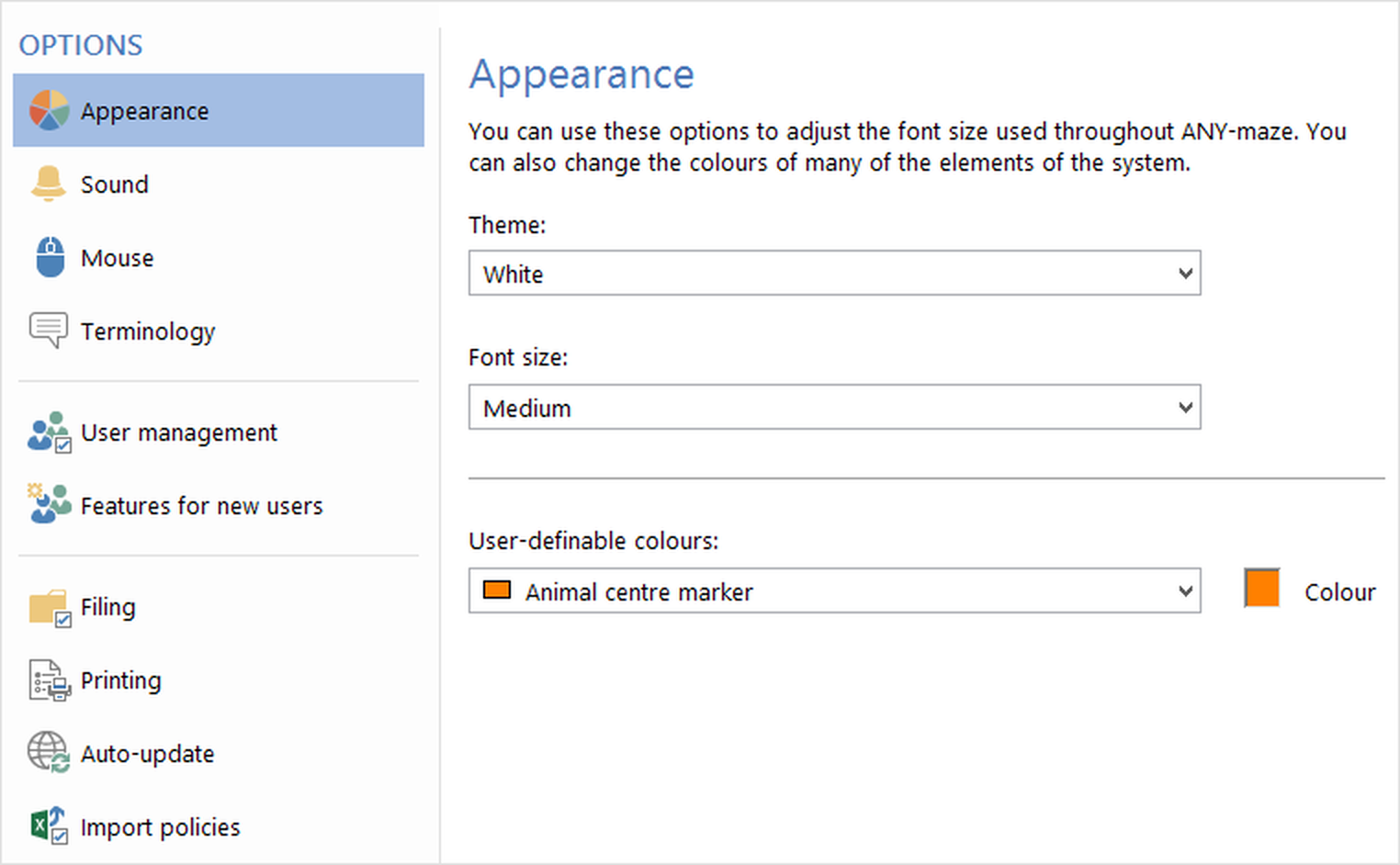
Figure 1. The ANY-maze Options page. Note that the exact options available depend on how your copy of ANY-maze is set up, and whether or not you're an ANY-maze administrator.
All changes that you make on the options page take effect immediately. For example, if you change the font size under the Appearance settings, the options page will change to be displayed using the new font size.
For more information about the specific options available, refer to the following help topics:
| • | Specifying default protocol settings |
| • | Changing the appearance of ANY-maze |
| • | Changing ANY-maze sounds |
| • | Mouse options |
| • | Changing ANY-maze terminology |
| • | Resetting hidden messages |
| • | Administrative options |
| • | Managing users in ANY-maze |
| • | Filing options |
| • | Printing options |
| • | Configuring automatic updates |
| • | Settings for importing animals and tests |
| • | Settings for reporting usage statistics |

© Copyright 2003-2026 Stoelting Co. All rights reserved
ANY-maze help topic T0938