ANY-maze Help > The ANY-maze reference > The Options page > Resetting hidden messages
Resetting hidden messages

Overview
In ANY-maze there are many messages which include an option for Don't show this message again. This option can be very useful, but it does mean that once you've chosen not to show a message again, it is hidden from you (as messages are hidden on a per-user basis) forever... well almost, the options to Reset hidden messages allow you to show these messages again.
| • | Accessing the message settings |
| • | Available settings |
Accessing the message settings
To access the Messages settings, select the Options page and then click the  Messages option in the left-hand side bar.
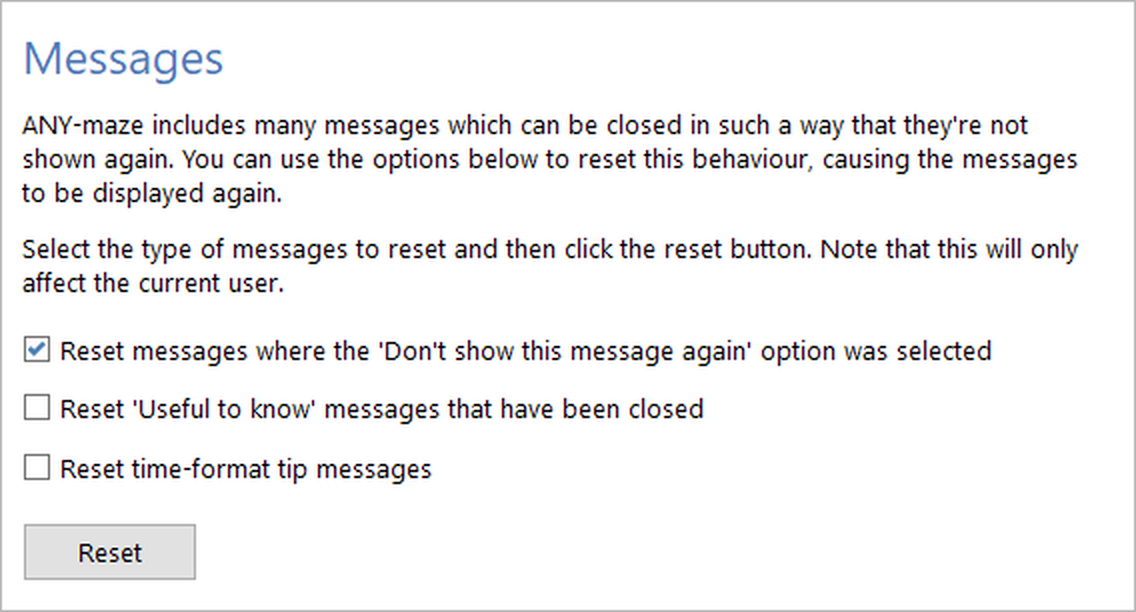
Figure 1. The Messages settings on the ANY-maze Options page.
Details
There are three types of messages which can be hidden in ANY-maze:
| • | Messages that include a Don't show this message again option. These are the most common type, and you've probably seen quite a few of them. |
| • | Useful to know messages, that are shown above some reports and spreadsheets within ANY-maze. These messages include a close button, and if you select it the message will subsequently always be hidden from you. |
| • | Balloon messages that describe the various formats in which times can be entered into ANY-maze. These are automatically shown to you just once for each time field in the system. |
You can reset any of these messages - so they are shown to you again - using the options on this page. Simply check the box next to the message type(s) you want to reset and then click the Reset button at the bottom of the page.
See also:
| • | ANY-maze options |

© Copyright 2003-2026 Stoelting Co. All rights reserved
ANY-maze help topic T0945