ANY-maze Help > The ANY-maze reference > The File page > Opening existing experiments > File password
File password

Overview
When you save an ANY-maze experiment or protocol, you can optionally specify a password which will be used to protect the file. When you try to open a file which has been protected in this way, the File password window will open where you must enter the correct password before you can access the file.
In fact, if the password you used to protect the file is the same as your ANY-maze user password and you're logged on, then ANY-maze won't require you to enter the password and the protected file will open immediately.
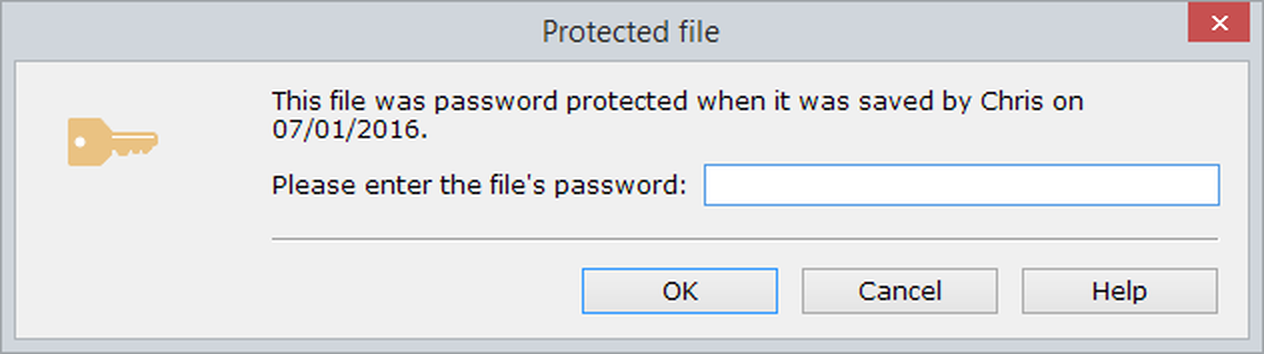
Figure 1. The File password window where you must enter the correct password before you can access a protected file.
Details
Simply enter the correct password into the Password field. Note that passwords are case sensitive.
If you enter the wrong password, there will be a short delay before you can try again - each time you enter the wrong password this delay will double. This is a security feature which makes it very hard for someone to try to guess your password.

© Copyright 2003-2026 Stoelting Co. All rights reserved
ANY-maze help topic T0060