ANY-maze Help > I/O devices supported by ANY-maze > Legacy I/O devices > The AMi2 Remote control > Using the AMi2 Remote control in tests
Using the AMi2 Remote control in tests

Introduction
Remote controls are designed for one purpose, which is to start (and optionally end) tests.
Details
Each piece of apparatus that you set up in the protocol has a drop list called Test control switch (see figure 1, below). This list will automatically include the buttons on all the remote controls paired with any connected remote control receivers.
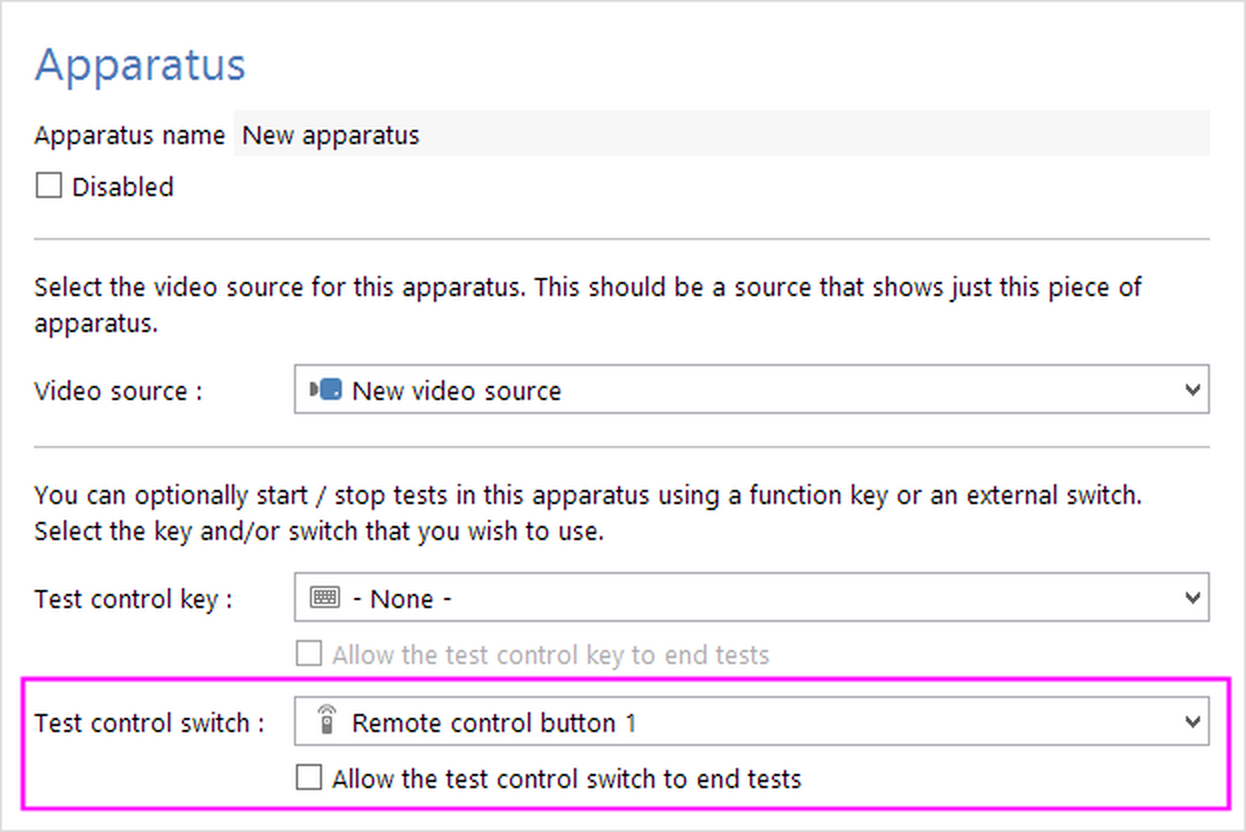
Figure 1. To control tests in a piece of apparatus using a button on a remote control, you just have to select it in the Test control switch drop list.
Selecting a button in this list will then allow you to start tests in the apparatus by pressing that button. If you also check the box to Allow the test control switch to end tests, then pressing the remote control button while a test is running will end the test.
See also:
| • | Setting up a piece of apparatus |
| • | Choosing a test control key or switch |

© Copyright 2003-2026 Stoelting Co. All rights reserved
ANY-maze help topic T1130