ANY-maze Help > The ANY-maze reference > The Support page > Send us files
Send us files

 | You can only send files to ANY-maze Support if your computer is connected to the internet. |
Overview
There may be occasions when you need to send us files in addition to the ANY-maze experiment file - for example, if you've got a problem with tracking in one of your apparatus, our support engineers might ask you to send a video of the animal in the apparatus, so we can try to ascertain the problem. The Send us files section of the Support page is where you can send us these additional files.
| • | Accessing the 'Send us files' settings |
| • | Adding and removing files |
| • | Sending the files |
Accessing the Send us files settings
To send files to ANY-maze Support, select the Support page and then click the  Send us files option in the left-hand side bar. Enter your name, e-mail address and a message to send to our support engineers.
  click this link to go there now.
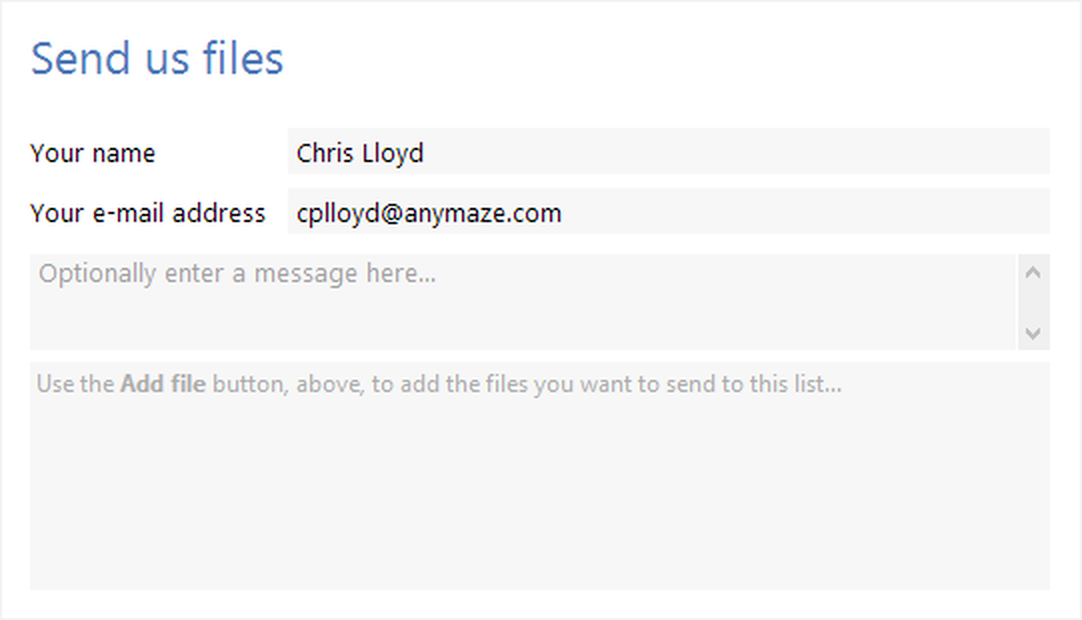
Figure 1. The Send us files settings on the ANY-maze Support page.
Adding and removing files
You can add as many files as you want to the message. To add a file, use the  Add file... button in the ribbon bar; this will open the Select file(s) to add window. This is the standard Windows file selection window which you'll have seen in other Windows applications - just navigate to the file you want to add and click the Add file(s) button to select the file and close the window. You can select multiple files at a time by holding down the Ctrl key as you select them, or you can select a contiguous range of files by clicking the first file, and holding the Shift key as you select the last file. You can continue to add as many files as you want in this way.
If you want to remove a file from the list, simply select it in the list of files and select the  Remove file... button in the ribbon bar.
File size limitations
ANY-maze compresses all the files to send into a single zip file before sending them. The largest zip file size that ANY-maze can send is 2GB, but of course this is the compressed size, so the largest uncompressed file size is significantly more than this. Exactly how large a file you can send will depend on the file type - ANY-maze experiment files will typically compress to at least half their original size, while video files won't compress very much. After compressing the files to send ANY-maze will check the resulting zip file size and if it is too large you will be notified. In this case you can still send us the file via the Support > Send us files page of the ANY-maze web site.
Sending the files
Once you've entered your details, the message, and selected the files to send, just click the  Send button in the ribbon bar to send the message together with the associated files.
Note that files are sent in the background, so you can carry on working while this happens. The status bar at the bottom of the ANY-maze window will show the current progress of the files being sent:

Figure 2. The ANY-maze status bar, showing the progress of files being sent using the Send us files page.
At any time, you can click on this section of the status bar to show a small pop-up window containing a list of the current files being sent, with their progress. You can cancel the sending of an individual file using the  button next to a file in this popped-up list.
You can carry on doing anything else in ANY-maze while these files are being sent - you can even start to send more files using the Send us files page! Note that if you try to exit from the ANY-maze software while files are still being sent, you'll be shown a message warning you of this and asking if you really want to exit and cancel the sending of the files.
See also:
| • | Contacting ANY-maze Support for help |
| • | Sending us your log file |

© Copyright 2003-2026 Stoelting Co. All rights reserved
ANY-maze help topic T0969