ANY-maze Help > I/O devices supported by ANY-maze > The ANY-maze Operant interfaces > Testing an ANY-maze Operant interface
Testing an ANY-maze Operant interface

Introduction
Before you can test an ANY-maze Operant interface you need to have set up the interface and configured it, so it knows what components you have attached to it.
Testing
Testing is performed using the I/O page of ANY-maze. On the left side of this page ANY-maze will list the connected interfaces. If you select an interface then it will open to show all the types of ports that you've configured for it. Clicking on a type of port will show all the ports of that type on the right-hand side of the page.
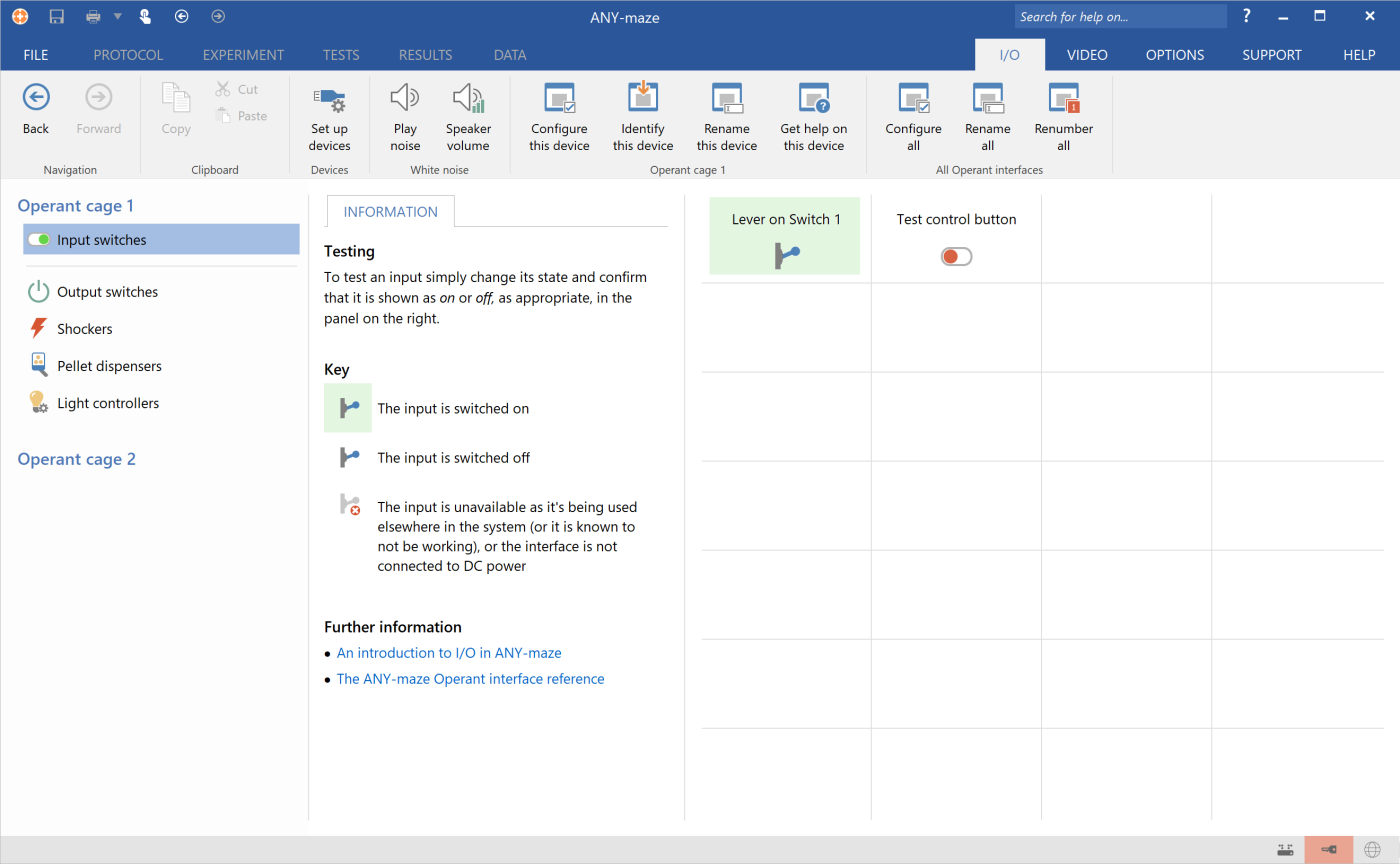
Figure 1. The I/O page, ready to test an ANY-maze Operant interface. The inputs have been selected and a lever is currently pressed.
Testing outputs
To test an output such as a light, simply click on the relevant output on the right-hand side of the I/O page to turn it on, and click again to turn it off (note that some outputs, such as shockers and pellet dispensers, may turn off automatically and so you don't need to do this yourself). Make sure that the component activates correctly.
Some outputs, such as LED/lights or speakers, may have additional options. For LED/lights you can drag a slider to alter the brightness of the light; for speakers you may be able to alter the what the speaker is playing and/or the volume which it is playing at using options on the Settings tab - see figure 2.
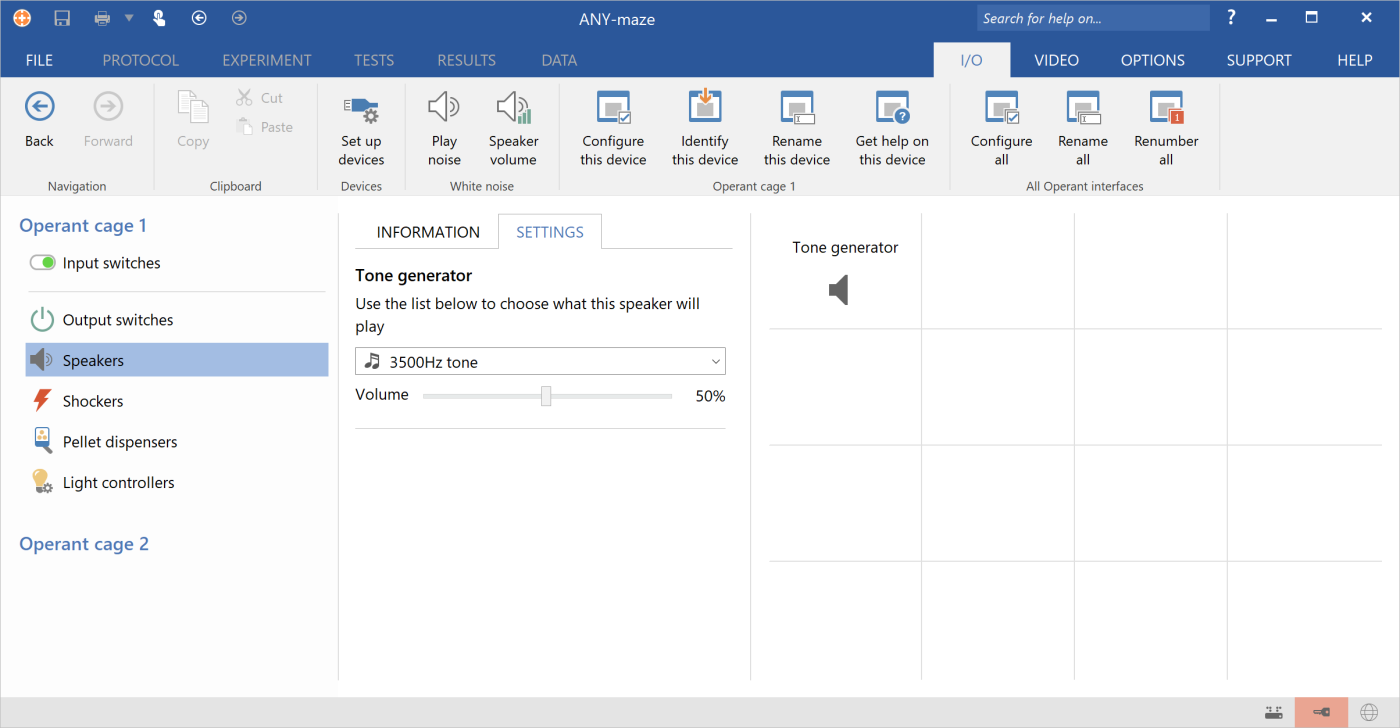
Figure 1. Testing a tone generator on the I/O page. The selected component can generate different frequency tones at different volumes.
Testing inputs
To test an input such as a lever, simply activate the input and check that it is shown active on the right-hand side of the I/O page. Likewise, deactivating it again should cause the I/O page to show it as inactive.
Supported components
| • | Med Associates components supported by the ANY-maze Operant interface M |
| • | Coulbourn Instruments components supported by the ANY-maze Operant interface C |
| • | Lafayette Instrument components supported by the ANY-maze Operant interface L |
For full details of how each component works, please see the relevant manual which can be downloaded from one of the following web sites:
| • | Med Associates web site. |
| • | Lafayette Instrument Company web site. |
| • | As Coulbourn Instruments has closed, manuals are no longer available for download, but you can contact ANY-maze Support who may have a copy of the manual you require. |
See also:
| • | Setting up the ANY-maze Operant interface for the first time |
| • | Renumbering ANY-maze Operant interface interfaces |
| • | Configuring the ANY-maze Operant interface |
| • | Creating an Operant protocol |

© Copyright 2003-2026 Stoelting Co. All rights reserved
ANY-maze help topic T1424